
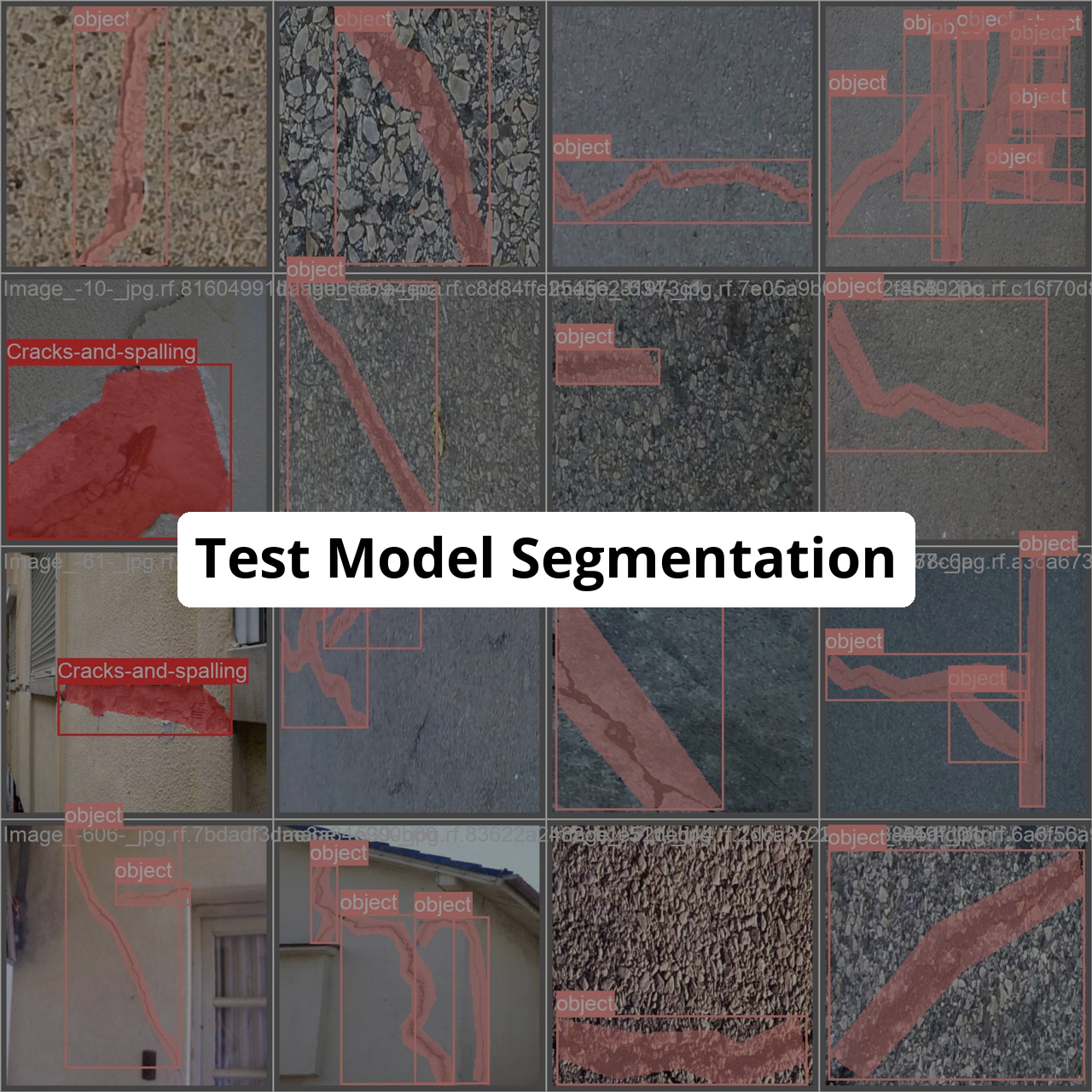
Image Segmentation
ultralytics
TensorBoard
PyTorch
v8
ultralyticsplus
yolov8
yolo
vision
Eval Results (legacy)
Instructions to use fcakyon/test-model with libraries, inference providers, notebooks, and local apps. Follow these links to get started.
- Libraries
- ultralytics
How to use fcakyon/test-model with ultralytics:
from huggingface_hub import hf_hub_download from ultralytics import YOLO # pick the weights file from this repo's "Files and versions" tab weights = hf_hub_download("fcakyon/test-model", "<weights>.pt") model = YOLO(weights) source = 'http://images.cocodataset.org/val2017/000000039769.jpg' model.predict(source=source, save=True) - Notebooks
- Google Colab
- Kaggle
Download thumbnail.jpg from fcakyon/test-model: direct link, hf CLI and curl.
- Browser
- Download file 1.08 MB
-
https://huggingface.co/fcakyon/test-model/resolve/main/thumbnail.jpg
- Command line
-
hf download hf://fcakyon/test-model/thumbnail.jpg
-
curl -L -o thumbnail.jpg https://huggingface.co/fcakyon/test-model/resolve/main/thumbnail.jpg
1.08 MB
- Xet hash:
- 50ff0d7aefba4660781fcc843c04be3dedcec23d4b7d175baeb43f7b1c1d0601
- Size of remote file:
- 1.08 MB
- SHA256:
- a90ee64131278f7d768c75845bb0c0680a8871fa621020084016b72fc893942e
·
Xet efficiently stores Large Files inside Git, intelligently splitting files into unique chunks and accelerating uploads and downloads. More info.