Hub documentation
在网页中嵌入数据集查看器
在网页中嵌入数据集查看器
您可以使用 iframe 将 Dataset Viewer 嵌入到您自己的网页中。
要使用的 URL 为 https://huggingface.co/datasets/<namespace>/<dataset-name>/embed/viewer,其中 <namespace> 是数据集的所有者(用户或组织),<dataset-name> 是数据集的名称。你还可以传递其他参数,例如 subset、split、filter、search 或 selected row。
例如,以下 iframe 嵌入了来自 nyu-mll 组织的 glue 数据集的数据集查看器:
<iframe
  src="https://huggingface.co/datasets/nyu-mll/glue/embed/viewer"
  frameborder="0"
  width="100%"
  height="560px"
></iframe>
您也可以直接从数据集查看器界面获取嵌入代码。点击数据集查看器右上角的 Embed 按钮:


它将打开一个包含 iframe 代码的模态框,您可以将其复制并粘贴到您的网页中:


参数
数据集查看器页面的所有参数也可以通过将它们添加到 iframe URL 中传递给嵌入式查看器(筛选、搜索、特定 split 等)。例如,要在 nyu-mll/glue 数据集的 rte 子集的 test split 中显示对 mangrove 的搜索结果,可以使用以下 URL:
<iframe
  src="https://huggingface.co/datasets/nyu-mll/glue/embed/viewer/rte/split?search=mangrove"
  frameborder="0"
  width="100%"
  height="560px"
></iframe>
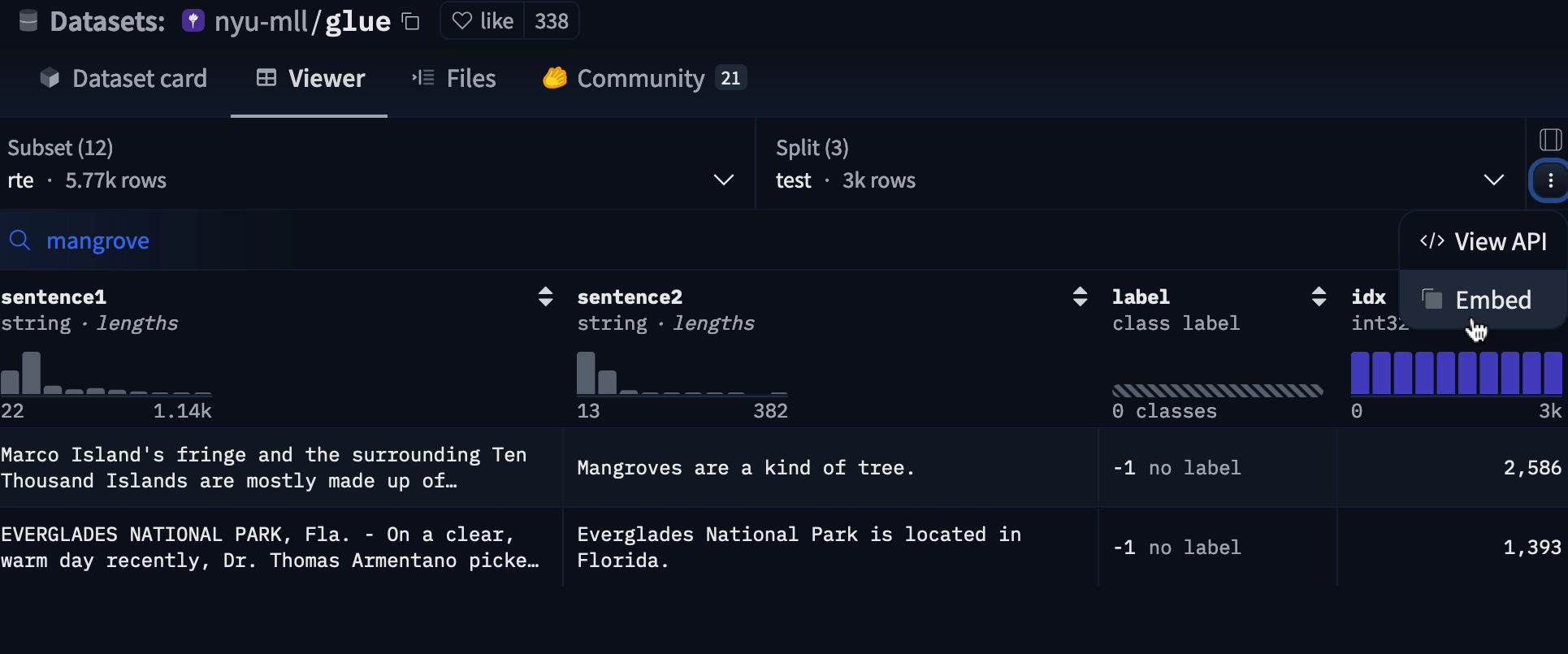
您可以直接在 Dataset Viewer 界面中获取此代码:执行搜索,点击 ⋮ 按钮,然后选择 Embed:

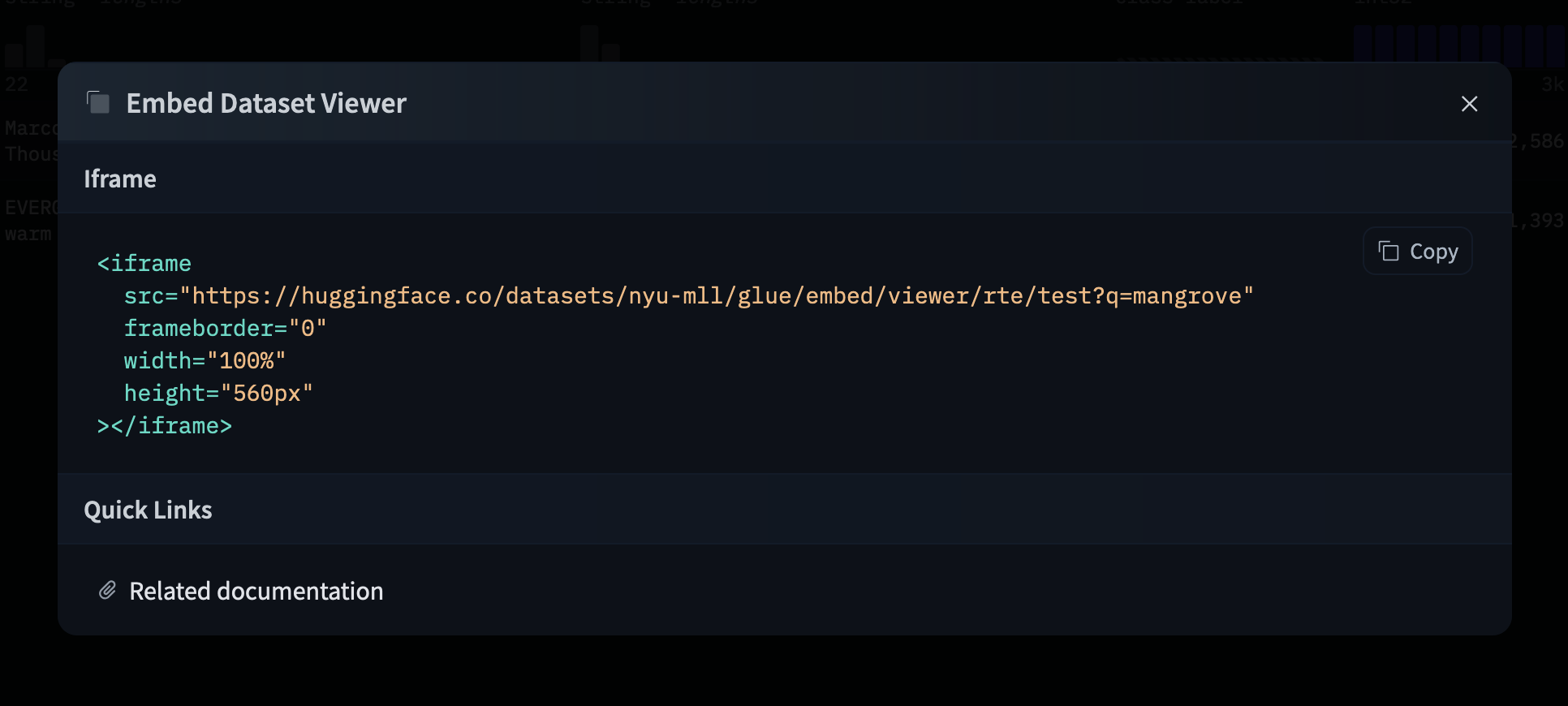
它将打开一个包含 iframe 代码的模态框,您可以将其复制并粘贴到您的网页中:

示例
嵌入式数据集查看器被用于多个机器学习和平台中,以展示数据集。以下是一些示例。
如果您想出现在此部分中,请提交一个 pull request!
工具:ZenML
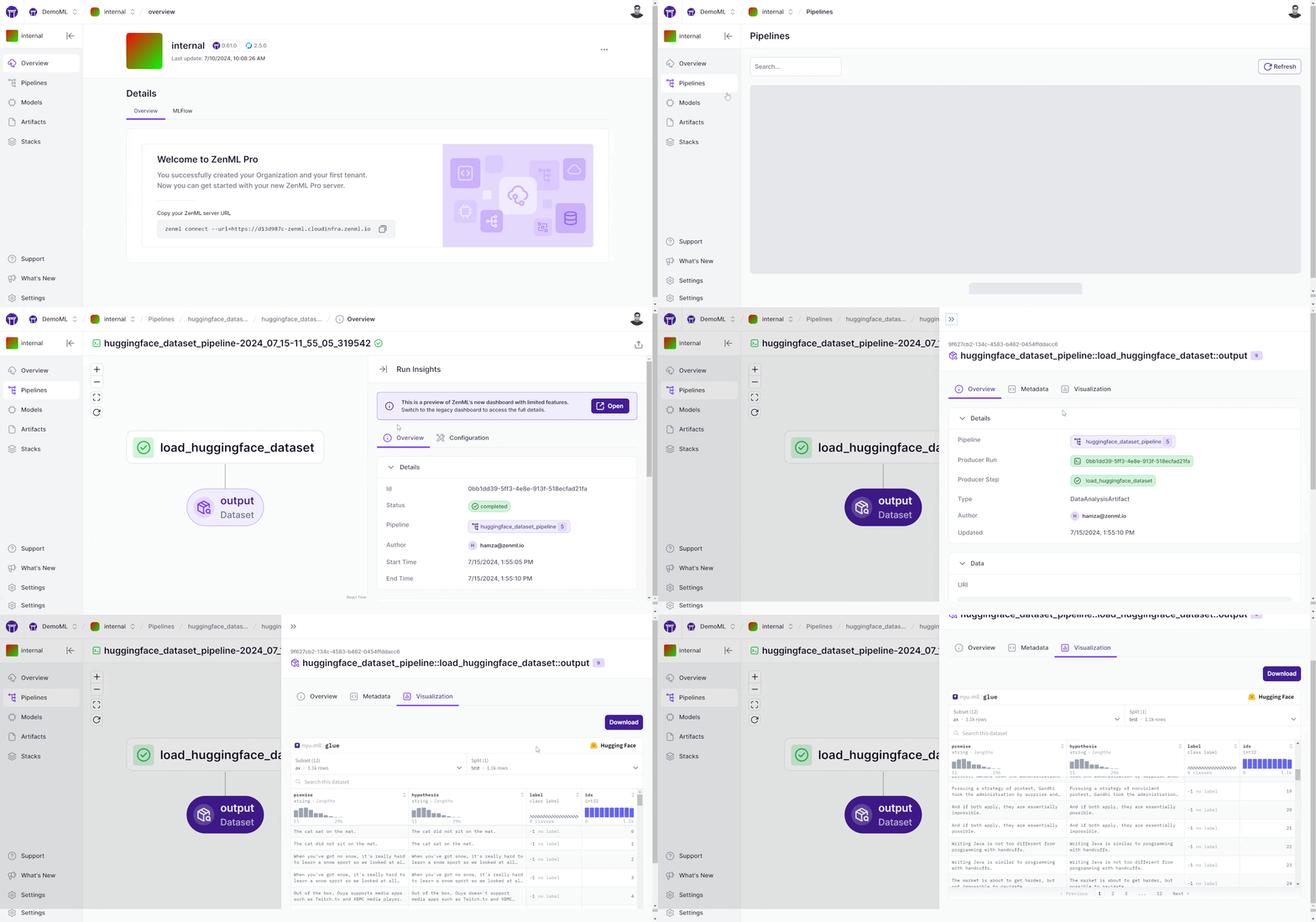
htahir1 分享了一篇博客文章,展示了如何使用 ZenML 集成与 Datasets Viewer 在 ZenML 流水线中可视化 Hugging Face 数据集。
工具:Metaflow + Outerbounds
eddie-OB 通过一段演示视频展示了如何在 Outerbounds 的 Metaflow 卡片中集成数据集查看器。

工具:AutoTrain
abhishek 在一个演示视频中展示了数据集查看器如何集成到AutoTrain中。

数据集:Alpaca 风格数据集画廊
davanstrien 在一个 space 中展示了 Alpaca 风格数据集的合集。

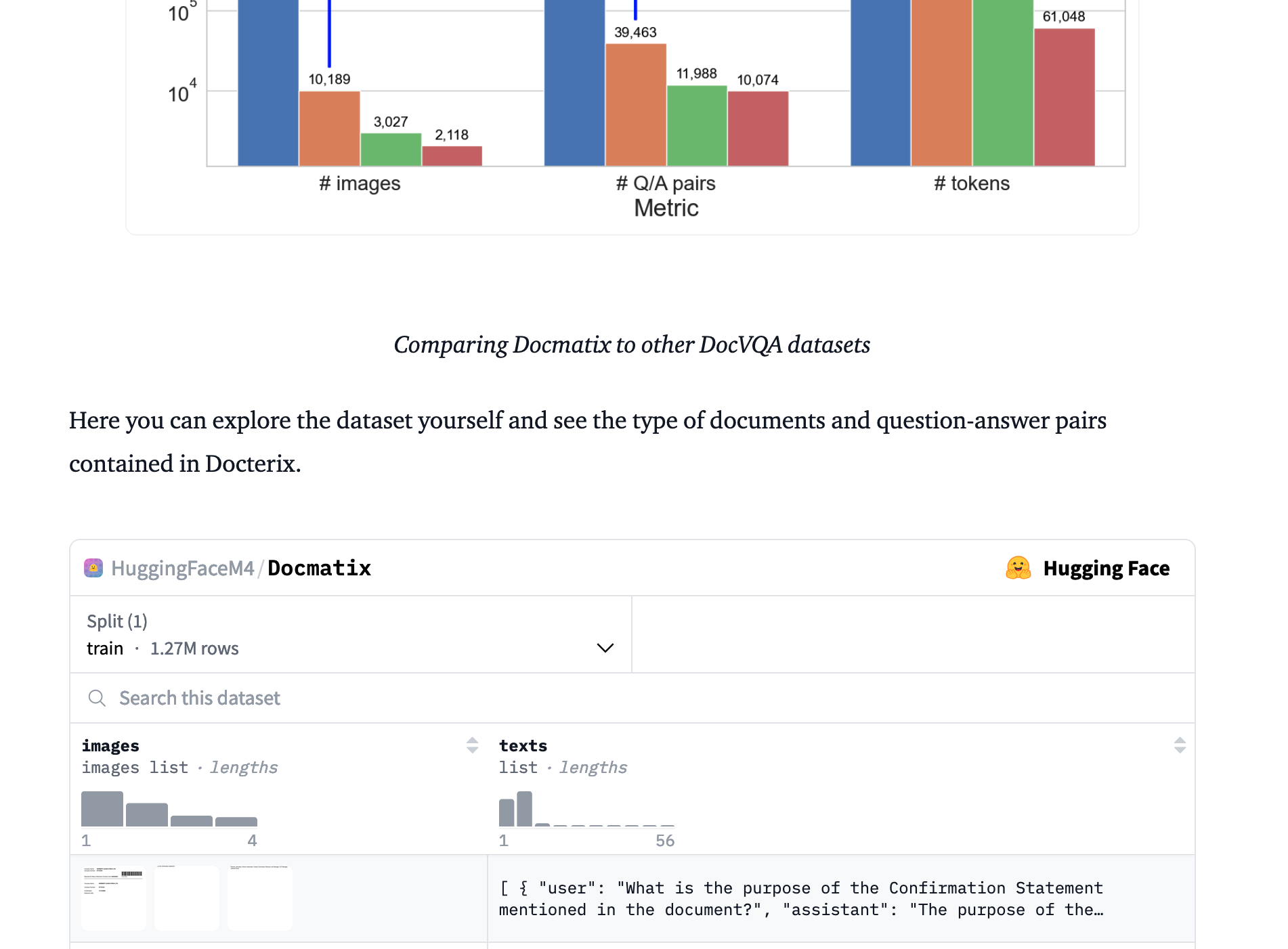
数据集:Docmatix
andito 在发布 Docmatix(一个用于文档视觉问答(DocVQA)的大型数据集)的博客文章中使用了嵌入式查看器。
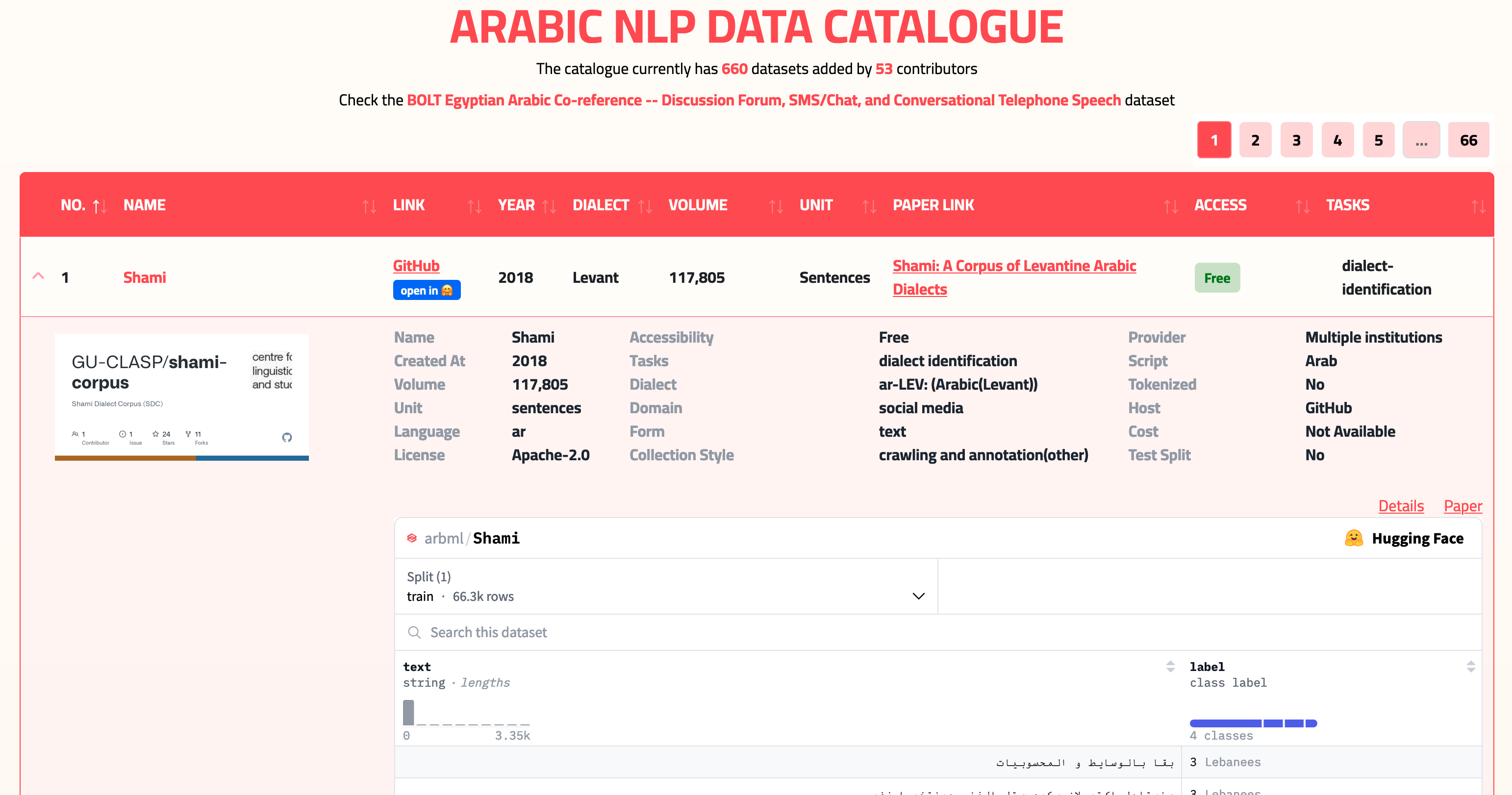
应用:Masader - 阿拉伯语 NLP 数据目录
Zaid showcases the dataset viewer in Masader - the Arabic NLP data catalogue0.